
Universal Sandpit / Field.Notes

Field.Notes

Agentic coding for accessible design

Field.Notes documents practical ways educators can use agentic coding to transform how information is structured and experienced. Instead of generating more content, these approaches re-represent existing material to make it more visual, interactive, and accessible.

New to agentic coding? Start with this brief Foundations guide → Opens foundations guide
Craig pixel avatar

Four Ways To Visualise Content With Agentic Coding

Mode 1

Creating Spatial or Experiential Representations

Transform linear content into navigable environments, maps, or interactive conceptual experiences.

Support associative thinking, exploration, and non-linear engagement.

  • Essays converted into playable concept maps
  • Multimedia walking projects mapped interactively
  • Frameworks represented as spatial navigation tools
View Mode 1: Styx Creek →

Mode 2

Turning Documents into Dynamic Tools

Convert static structured documents (tables, rubrics, curriculum guides) into interactive tools that generate or reorganise information.

Move from passive reading to active interaction.

  • Word tables converted into auto-generating lesson planners
  • Rubrics transformed into editable planning tools
  • Structured data converted into downloadable outputs
View Mode 2: UDL Planner →

Mode 3

Visualising Complex Content

Transform dense text (articles, lecture notes, policies, strategy documents) into structured, visual, interactive webpages.

Offer alternate access points for neurodivergent learners and reduce cognitive load through segmentation and visual architecture.

  • Turning an article into a navigable concept page
  • Converting long-form guidance into interactive summaries
  • Restructuring written content into visual sections
  • Rebuilding unit outlines as student-friendly dashboards
View Mode 3: Newcastle Dashboard →

Mode 4

Rapidly Iterating to Student Need

Build lightweight tools fast when a real student need appears, then refine them through short feedback loops.

Prioritise practical support over polish: test early, adjust quickly, and keep the workflow simple enough to use immediately.

  • Task chunking tools that reduce overwhelm at assignment start
  • Student planning supports with drag-to-reorder steps
  • Simple colour-coding systems for prioritising work
  • Copy-ready outputs students can paste into planners or docs
View Mode 4: Floating Thoughts →

Dispatch / TEDxNewy Salon

A Salon Built With Agentic Coding

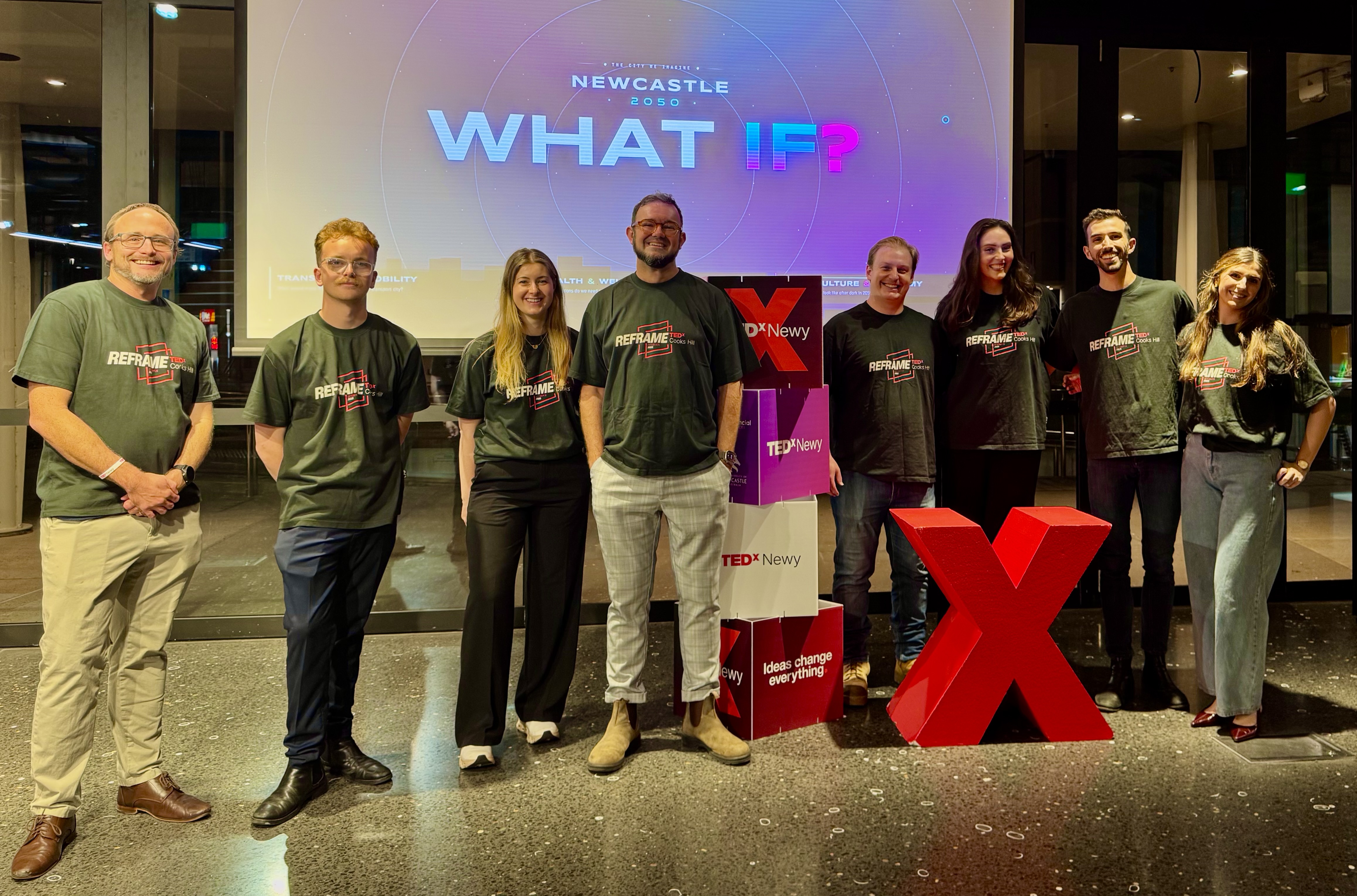
The TEDxNewy team standing in front of a 'What If?' projection and a large red X at the Q Building, University of Newcastle.
TEDxNewy team / Q Building

Recently, the TEDxNewy team put on a unique salon event at the Q Building at the University of Newcastle. For me, as Head of Salons and Activations, the salon was a fascinating case study in how agentic coding and event planning can fuse into something that heightens consistency of communication and a fluency of design thinking, and establishes new avenues for visual accessibility, that feels like nothing I’ve previously experienced.

I thought it would be useful to share examples of this in an article for anybody else working in a similar capacity, or for those who are interested in the possibilities that are forever opening in this space.

Read the article on LinkedIn → Opens in a new tab